


Software by LearnCenter/ 05

Software for studying, playing, and working.

LearnCenter makes focused software for real tasks: turning notes into review material, understanding the guitar, tuning and practice, sharing one desk across computers, and working by voice on a Mac. Availability is labeled on each product.

LearnCenter products

Spaced-repetition study app

LearnCenter.app

Web appAvailable now

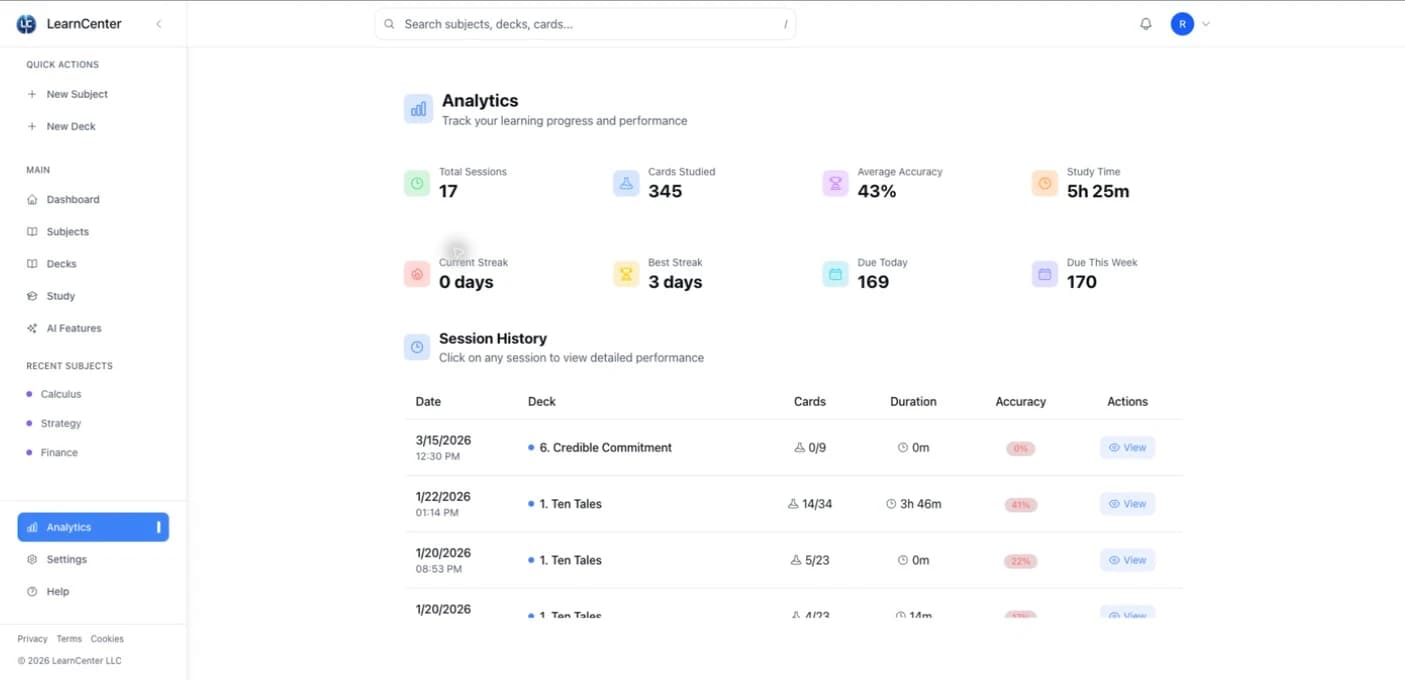
For people who use spaced repetition and want flashcards tied to their own notes. Upload notes, use AI to generate aligned cards, and review them with the FSRS spaced-repetition algorithm.

Study from the material you already have

The app brings uploaded notes, AI-assisted card creation, and FSRS review into one workflow rather than treating source material and flashcards as separate tasks.

  • FSRS spaced repetition
  • Upload your notes
  • AI-assisted flashcards
L/CLearnCenter.app
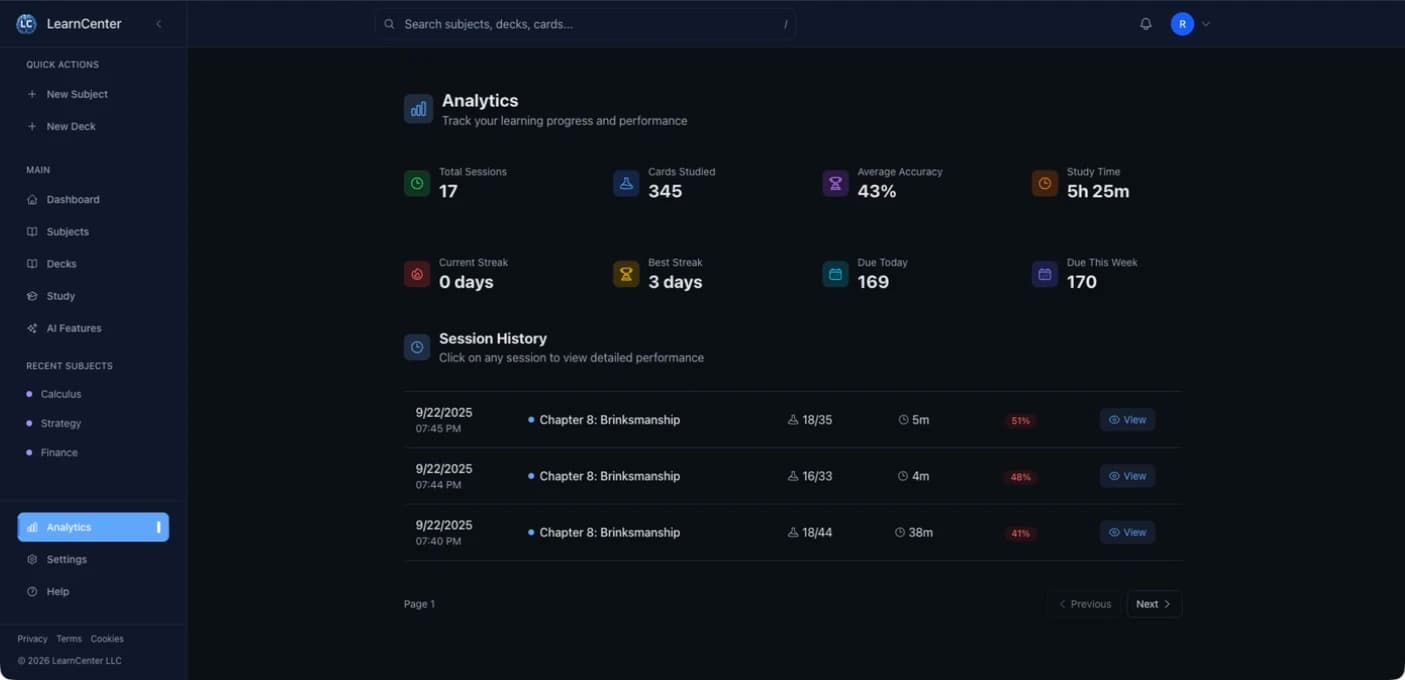
LearnCenter.app dashboard interface in a web browser.

Guitar tuner and practice app

ProTuner

iPhone · iPad · Apple WatchAvailable now

For guitarists who move between standard and custom tunings. Tune on iPhone or iPad, practice with the metronome, and use the Apple Watch companion for haptic beat cues.

Custom tunings, with practice built in

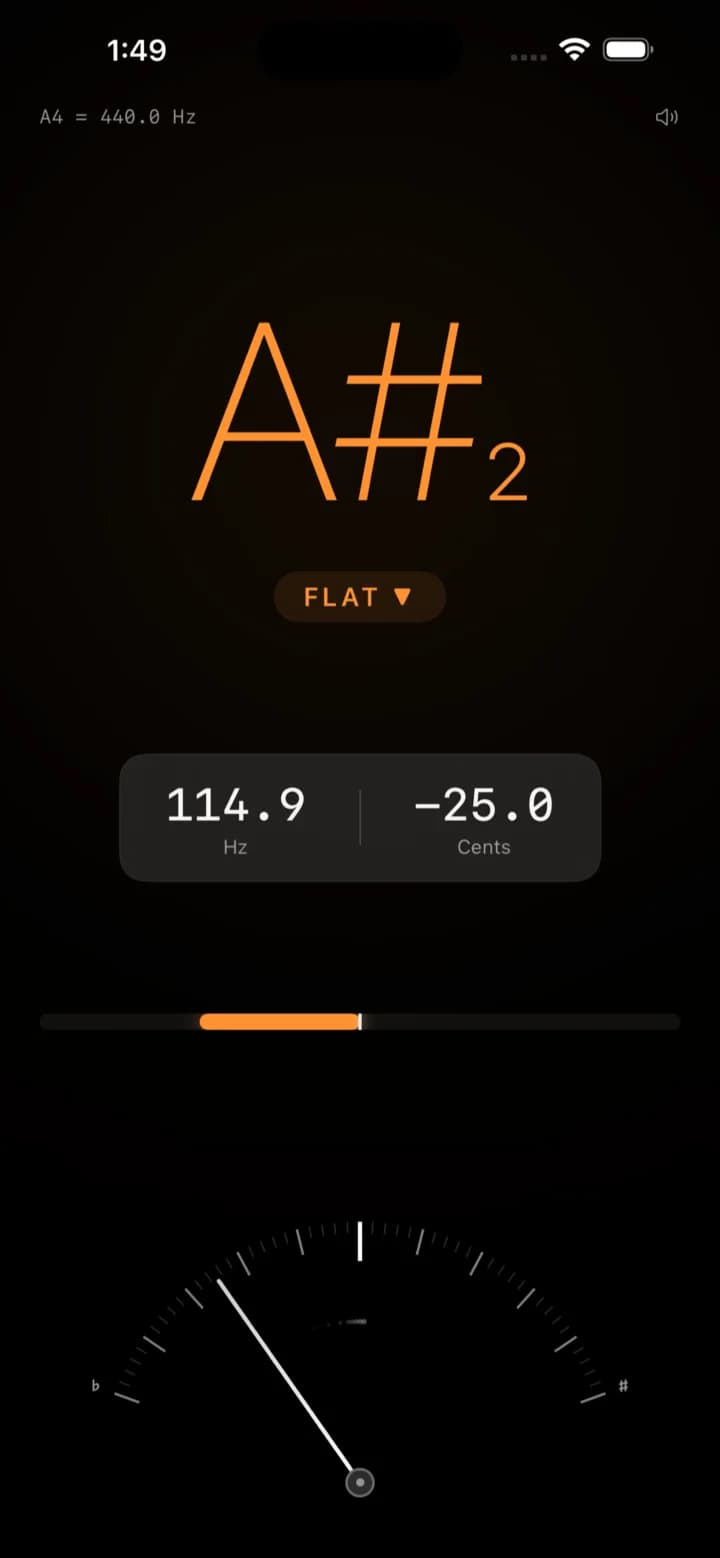
ProTuner keeps tuning and metronome practice in one guitar-focused app. The Apple Watch companion can provide the metronome beat through haptic cues.

  • Custom tunings
  • Guitar tuner
  • Metronome
  • Apple Watch haptic cues
L/CProTuner
ProTuner tuner screen on iPhone.

Interactive guitar learning and reference

fr3t.app

Web appAvailable now

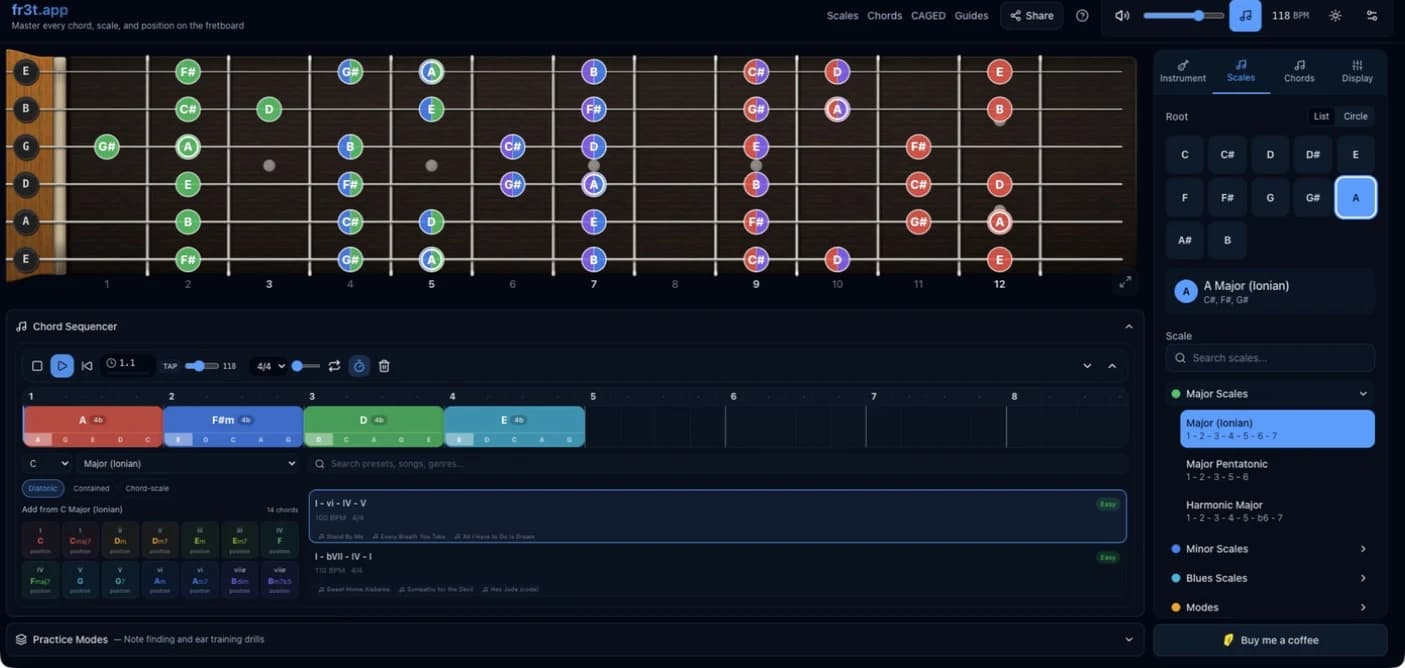
For guitarists who want to see how musical ideas connect across the fretboard. Explore keys, scales, chords, and chord progressions, then highlight the chord tones inside the progression you are studying.

See the progression, not just the scale

The fretboard, key, progression, and chord-tone overlays stay visible together, so you can inspect how the chords and notes relate without switching between separate diagrams.

  • Interactive fretboard
  • Keys and scales
  • Chords and progressions
  • Chord-tone overlays
L/Cfr3t.app
fr3t.app interface with an interactive guitar fretboard and scale, chord, and progression controls.

Cross-platform input sharing

InputShare

macOS · Windows · LinuxAvailable by arrangement

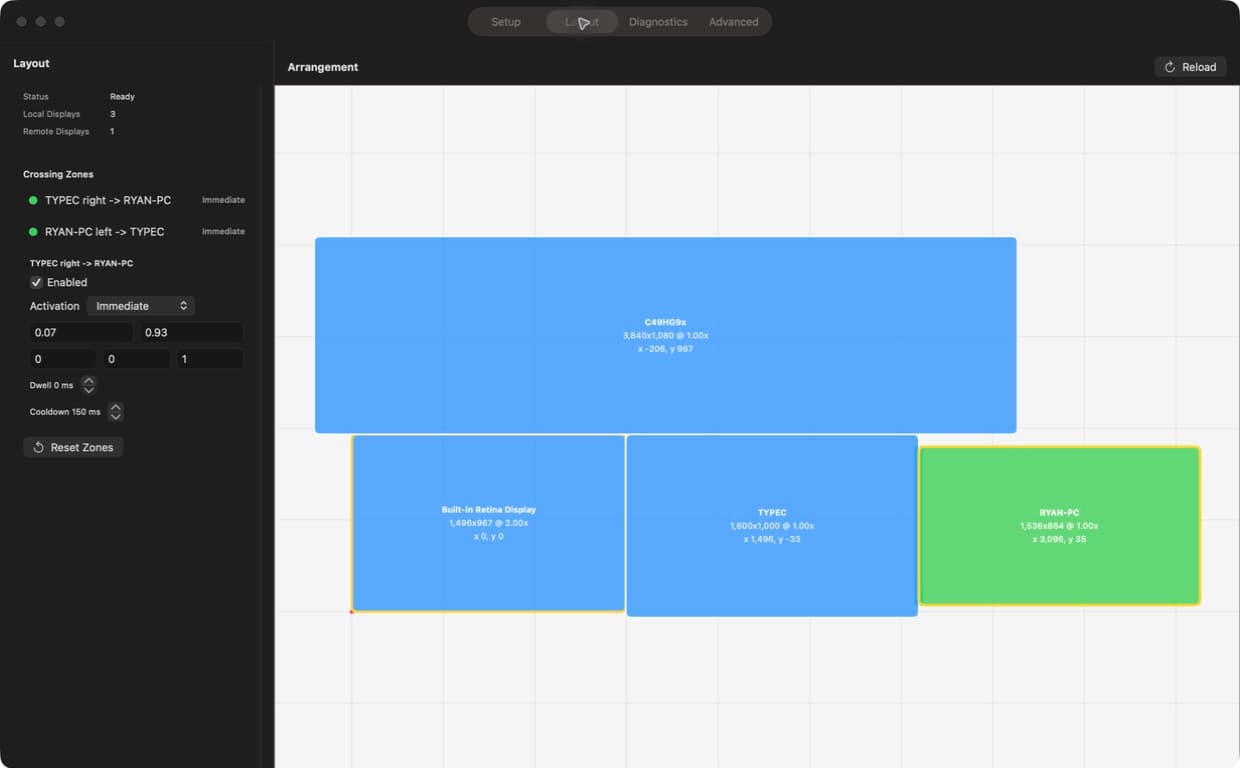
For people who work across several computers at one desk. InputShare lets one keyboard and mouse control macOS, Windows, and Linux machines, with clipboard sharing across the same setup.

One desk, several operating systems

It was built because aging alternatives often make compromises in speed, pointer accuracy, or capability across modern systems.

  • Keyboard and mouse sharing
  • Clipboard sharing
  • Cross-platform control

Available through discussion and setup; not a public self-serve download.

L/CInputShare
InputShare interface showing several computers arranged for shared keyboard and mouse control.

macOS dictation and command tool

TalkMac

macOSPreparing for release

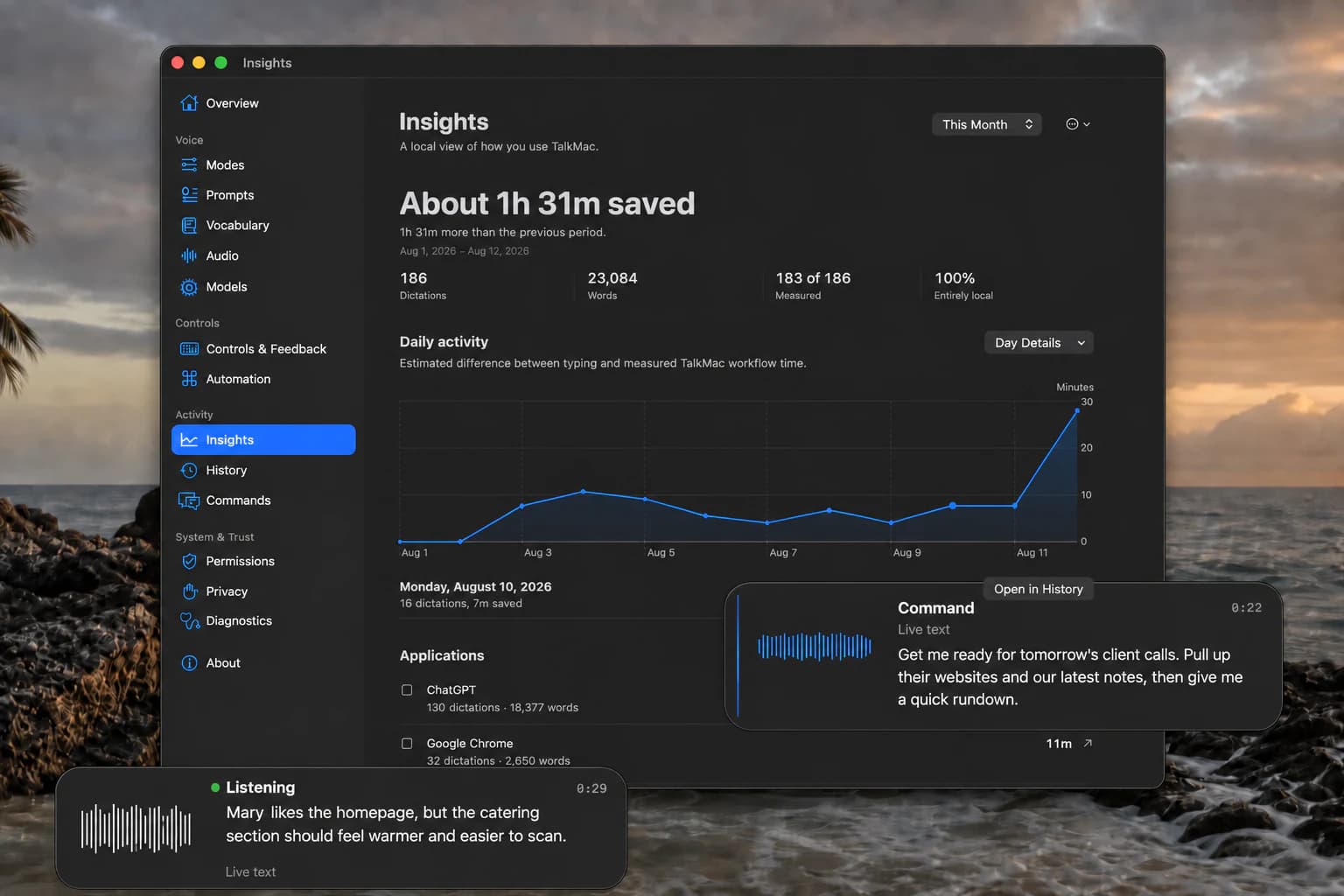
For Mac users who want to speak text into the app they are already using. TalkMac converts speech to text, can optionally refine the wording with a language model, and inserts the result at the cursor.

Dictation first, supported commands when useful

Command mode can pass a spoken intent to Codex computer use for supported tasks such as opening a video, assembling research tabs, or organizing files.

  • Text inserted at the cursor
  • Optional language-model refinement
  • Supported Codex commands

Preparing for release; not available as a public download yet.

L/CTalkMac
TalkMac Insights on macOS showing locally measured dictation activity, time saved, and live dictation and command panels.

Product support and policies

Support, privacy, and terms for released apps.

Use these pages for ProTuner and the fr3t app for iPhone and iPad.